
Modern business operations rely heavily on mobility. Whether managing a retail storefront, coordinating warehouse orders, or handling customer intake at a service desk, teams require instant access to centralized data. Historically, businesses asked employees to use personal phones or relied on fixed desktop stations. However, mixing personal devices with work duties creates security vulnerabilities, communication silos, and operational friction.
Deploying dedicated, business-owned mobile devices solves many of these challenges. When an organization provides standardized tablets or smartphones configured solely for workplace responsibilities, employees can focus on their immediate assignments without personal interruptions. This operational approach helps companies maintain data integrity, streamline staff onboarding, and reduce the technical confusion that accompanies disparate hardware models.
Assessing Frontline Requirements Before Purchasing Hardware
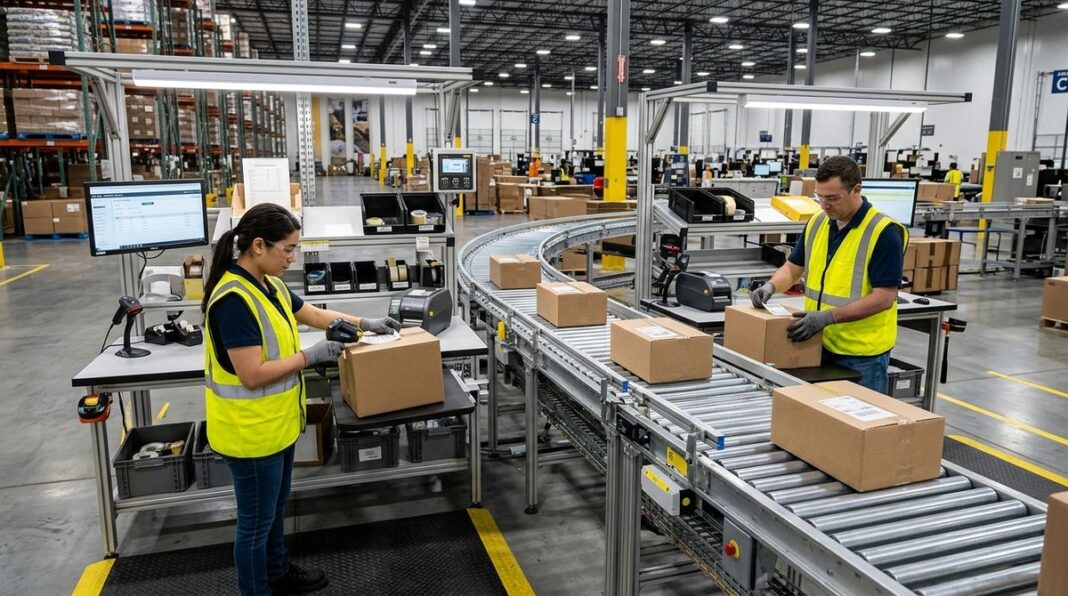
Before purchasing tablets or smartphones, operations leads must thoroughly evaluate how these units will function on the floor. A warehouse environment requires sturdy casings, drop resistance, and screens that remain readable under bright industrial lighting. Conversely, a client-facing showroom or medical front desk prioritizes slim profiles and responsive touchscreens that feel intuitive for visitors completing digital paperwork.
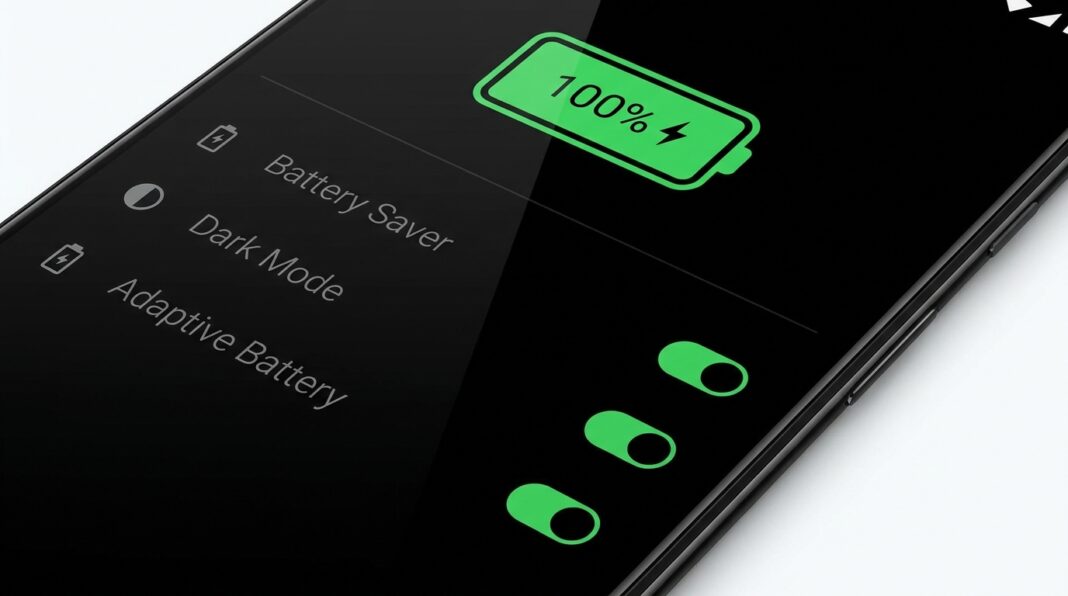
Form factor determines how comfortably staff work during long shifts. Compact handhelds fit into aprons and pockets, helping staff scan barcodes or message stockrooms. Larger tablets suit stationary counters or technicians reviewing complex diagrams. Reliable battery performance is equally vital, ensuring units do not shut down during midday customer rushes.
Teams should also evaluate accessories alongside candidate handsets. A scanner that feels light alone may become cumbersome with an extended battery pack or barcode grip. Similarly, check that tablet mounting brackets, cables, and card readers fit securely before ordering in bulk.
Navigating commercial hardware options can challenge team leaders who lack dedicated technology personnel. Many consumer-grade handsets deliver impressive processing power and clear displays at reasonable entry points, yet their long-term durability under constant commercial usage requires scrutiny. Checking tech analysis on Arab Tek helps founders evaluate hardware performance trends, identify durable models, and avoid gear prone to battery degradation or fragile construction.
Tailoring Operating Systems for Dedicated Workplace Tasks
Handing an unconfigured device directly to an employee introduces operational risks. Unrestricted access to commercial app marketplaces, social platforms, and streaming video distracts staff and exposes business networks to unvetted software. A thoughtful deployment requires managers to modify the operating environment so the device presents only the specific tools required for daily duties.
Android serves as a practical operating system for many growing enterprises due to its open architecture, broad hardware selection, and straightforward customization options. Administrators can take advantage of built-in app pinning, dedicated kiosk modes, and restricted profile settings to prevent general web browsing and protect administrative menus. When configured properly, the screen opens directly into your designated register, inventory scanner, or scheduling software.
Executing these system tweaks does not always demand complex enterprise software suites. Small teams can often configure robust device lockdowns manually through native system settings and administrator options. Practical walkthroughs on AndroMods.com offer helpful tips for navigating Android settings, managing background processes, and setting up streamlined interfaces tailored for workplace operations.
Managing software updates is another essential operational step. Automated updates during business hours can take terminals offline without warning, halting customer transactions. Scheduling updates during maintenance windows keeps handheld fleets predictable and stable.
Along with interface restrictions, administrators must manage permissions with care. Workplace handhelds rarely require unrestricted access to global contact lists, device location sharing, or unmonitored file transfers. Limiting these permissions preserves system responsiveness, protects customer privacy, and prevents accidental modifications by temporary or seasonal staff.
Connecting Handheld Units to Internal Digital Workflows
A mobile fleet delivers measurable value only when it communicates smoothly with central business systems. Frontline workers should be able to update stock numbers, record client intake, or confirm service appointments without juggling disconnected portals. Achieving this cohesion requires selecting cloud platforms and internal tools that function reliably across compact display sizes.
Many growing organizations rely on custom web portals rather than building separate native applications for every operating system. Web applications offer practical flexibility because feature updates deploy across all connected screens without requiring individual app installations. However, maintaining this balance requires regular coordination between technical teams and operational floor managers.
When engineering interfaces for handheld screens, technical teams must account for touch targets, loading speeds, and responsive layouts. Buttons must be large enough for quick thumb taps, and data forms must remain readable on mobile browsers. Following proven principles for managing web development projects smoothly keeps software improvements closely aligned with physical usability and everyday operational priorities.
Wireless connectivity is another vital consideration. Stockrooms and service yards often suffer dead zones where signals drop. Software that supports local data caching allows staff to scan items or record tickets offline, synchronizing automatically once reconnected.
Setting Ground Rules for Maintenance and Battery Longevity
Hardware deployed in commercial settings faces steady daily wear. Without established maintenance routines, charging cables go missing, units end up misplaced in storage corners, and depleted batteries stall morning routines. Operations managers can avoid these recurring issues by implementing clear handling protocols and physical storage hubs.
Central charging stations eliminate clutter and provide an accountable home base for every unit at the end of a shift. When staff return devices to a designated docking station or charging locker, supervisors can quickly audit hardware inventory before closing for the day. Protective cases, tempered glass shields, and lanyards further extend equipment life by shielding against inevitable accidental drops.
To keep equipment in dependable working order across busy shifts, teams benefit from simple recurring maintenance habits:
- Label each device clearly and track assignments on a simple checkout sheet.
- Clean screens and contact points weekly using dry microfiber cloths.
- Schedule system software updates during closed hours to prevent workflow interruptions.
- Rotate spare units into active service regularly so backup batteries stay healthy.
Establishing Replacement Schedules and Safe Decommissioning
Even durable hardware eventually reaches the end of its useful lifespan. Battery cells degrade over repeated charge cycles, and newer operational software places heavier demands on older processors. Rather than waiting for a critical terminal to fail during peak customer traffic, proactive businesses track hardware age and plan phased replacements before downtime impacts daily customer interactions.
Retiring older mobile hardware requires methodical procedures to protect company information. Before any tablet or smartphone leaves your facility, management must execute a complete factory wipe to remove local cache files, stored customer details, and wireless network credentials. Unenrolling retired gear from internal management lists ensures that private business networks remain secure.
A structured approach to mobile work devices provides growing companies with operational efficiency, consistent customer experiences, and dependable data protection. By selecting practical hardware, configuring straightforward operating system restrictions, integrating web-based tools thoughtfully, and maintaining consistent care habits, businesses can equip their teams with reliable mobile technology that supports steady growth.