


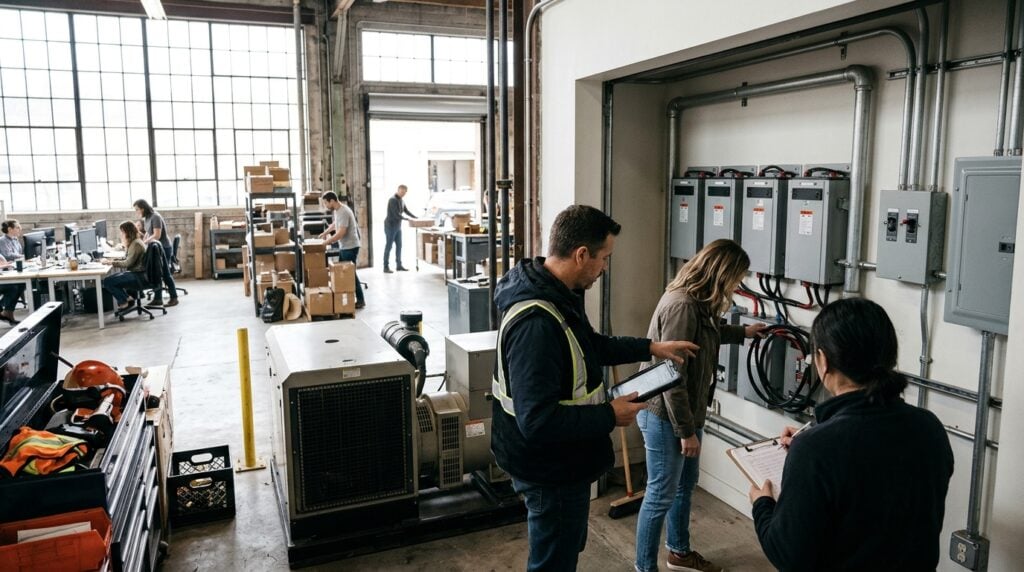
Running a growing business requires constant attention to daily operations, client satisfaction, and cash flow. As companies expand team headcount and move into commercial offices, workshops, or studios, physical assets multiply quickly. Laptops, monitors, networking gear, inventory samples, and presentation hardware sit unattended overnight or across busy shifts. Without practical protection habits, these critical tools remain exposed to casual loss, unauthorized access, and accidental damage.
Safeguarding a workplace does not require fortress-like defenses or sprawling enterprise budgets. Instead, practical physical security is about building consistent awareness, establishing clear zones of access, and choosing dependable technology that matches your operational tempo. When founders and operations managers take a calm, methodical approach to protecting their premises, they preserve company resources and maintain uninterrupted productivity.
Evaluating Vulnerability Points Across Your Workspace
Every commercial space features distinct vulnerabilities that depend on how staff, vendors, and visitors move throughout the day. Before buying new locks or mounting monitoring devices, walk the premises with a fresh perspective. Pay close attention to entryways, shared storage rooms, and common meeting areas where visitors frequently congregate. A front reception desk that remains empty during lunch hours, for instance, presents an open invitation for opportunistic loss.
Delivery areas and back doors deserve equal scrutiny. Growing businesses often receive regular shipments of supplies, components, or client products. When staff members leave exit doors propped open to move boxes or catch fresh air, exterior boundaries vanish. Observing traffic patterns during opening and closing hours helps determine where simple physical barriers and monitoring devices will yield the greatest everyday value.
Choosing the Right Physical Monitoring Tools
Modern monitoring equipment allows small businesses to oversee their workspaces without complex wiring jobs or professional installation crews. Flexible wireless units now deliver high-definition visual feeds, motion alerts, and cloud storage directly to a manager’s smartphone. These tools provide situational clarity during weekends, holidays, and evening hours when staff members are away from the office.
Before purchasing equipment, evaluate your physical environment to ensure cameras fit your layout. Consider mounting locations, viewing angles, ambient lighting, and access to dependable wireless networks. Reviewing dedicated hardware rundowns on sites like bestwirelesssecuritycamera helps operators compare battery expectations, mounting options, and weatherproof ratings before outfitting entry gates or storage docks. Placing units high above floor level creates an effective deterrent without making the office feel unwelcoming.
Surveillance gear works best when paired with simple physical controls. Cable locks for desktop monitors, lockable cabinets for reserve laptops, and coded keypads for sensitive inventory rooms work hand in hand with cameras. Monitoring devices confirm events, but physical barriers prevent quick theft in the first moment an opportunity arises.
Simplifying Internal Tech Systems for Everyday Staff
Security hardware and workplace technology only remain effective when everyday team members understand how to use them properly. When systems feel complicated or unintuitive, employees naturally seek shortcuts. They might disable alarms, share master door codes on sticky notes, or unplug security hubs to charge personal smartphones. Education and system simplicity prevent these common operational breakdowns.
Demystifying technology is an ongoing responsibility for company leaders. Instead of expecting every team member to grasp advanced technical manuals, supply direct, readable explanations of how company network tools and connected devices operate. Encouraging employees to browse educational platforms like technolik.com allows them to build digital confidence and understand everyday hardware terminology at their own pace. When staff members appreciate how routers, wireless bridges, and connected sensors interact, they become far more proactive about maintaining workplace security.
Host short walk-through sessions whenever you install new equipment or adjust building access rules. Walk through the alarm arming sequence, explain who receives automated motion alerts, and demonstrate how to report damaged door hardware. Open dialogue removes confusion and transforms security from an abstract management chore into a shared team habit.
Aligning Physical Security With Modern Team Workflows
Today’s workplaces rarely operate on rigid daytime schedules. Team members arrive early, stay late, or visit the office on alternating days of the week. Because workspaces must accommodate both quiet focus and collaborative discussions, security practices must support flexibility rather than obstruct it. Locking away essential equipment in inaccessible vaults harms daily momentum and frustrates productive employees.
Focus your attention on shared collaborative zones. Just as modern companies put careful planning into designing reliable hybrid meeting spaces for teams, they must also ensure that shared conference displays, microphones, and digital whiteboards remain securely mounted. Use tamper-resistant mounting brackets for wall-hung screens and tether shared conference room tablets to tables. This keeps collaborative gear immediately accessible for client presentations while ensuring it stays in its designated room.
Similarly, establish clear storage routines for mobile workstations. If employees share open desks, provide personal storage lockers with programmable combination locks. When staff members step away for lunch or leave for off-site client meetings, they can slide their laptops and paperwork into a locked compartment in seconds. Clean desks and locked storage lower the risk of property loss during open office hours.
Establishing Clear Protocols and Asset Accountability
Clear policies provide the structural backbone for any workplace security plan. You do not need an exhaustive legal handbook, but you do need straightforward guidelines that every hire understands from their first week on the job. Accountability starts with knowing what assets exist, where they belong, and who currently holds responsibility for them.
Create a living equipment register that tracks company hardware across its full operational lifecycle. Whenever a new laptop, field camera, or diagnostic tool arrives at your facility, tag it with an internal asset label and log its serial number. Reviewing this register quarterly keeps your inventory accurate and prevents expensive equipment from drifting away unnoticed.
Implement these core security habits across your operations:
- Assign unique access codes or digital keycards to individual workers rather than using shared master passwords.
- Conduct regular visual checks of external doors, window latches, and utility closets to spot wear or mechanical issues.
- Require immediate reporting whenever an employee misplaces an office key, access fob, or company-issued portable computer.
- Revoke access credentials and collect physical keys immediately whenever a contractor completes an engagement or an employee departs.
Consistency turns simple rules into reliable protective barriers. When accountability is built into routine onboarding and offboarding steps, security becomes an invisible, supportive element of your company culture.
Protecting workplace assets is an essential discipline for any business that aims to grow smoothly. Unplanned disruptions from stolen tools, damaged equipment, or lost files consume valuable hours and distract leaders from strategic expansion. By identifying critical vulnerabilities, deploying manageable surveillance tools, and fostering tech literacy across your staff, you create an environment where assets stay secure.
Practical physical protection does not demand endless complexity or excessive overhead. Start with sensible physical barriers, reinforce them with smart monitoring, and maintain straightforward communication across your team. A safe, orderly workspace gives your team the confidence and stability required to focus on delivering outstanding work every single day.